Search the Community
Showing results for tags 'svg'.


-
 Hello developer, hope you all are doing well. I want my svg to start from the center of the screen, keep animating at the center of the screen and end its animation at the center of the screen. for now, I am using an SVG and keep its height 0 and then it animates to its full height. I am using it for my timeline project but the line starts normally then moves away from the center and speeds up and leaves the screen to the bottom.
 -
Hi I think a project I will be doing soon will require the drawSVG plugin to animate an svg path. I know that this is a benefit of the GSAP membership and the files are downloaded from the member area. What i would like to know is the drawSVG plugin an additional js file that will need to be included in the creative and therefor its file size or is it included in the file size exclusions that GSAP generally benefits from. thanks
-
Hellow Everyone! Just need a little help. I only want to show the path that the SVG (Rocket )has covered and not the whole path. as the rocket goes up the path is shown. https://codepen.io/Fawad4real/pen/LYaaOZG
-
 I was trying to animate SVG using the DashOffset property. When the animation ends, the timeline is not aligned with the SVG strokeDashoffset. I know we have to match the exact offset to hide the strokes but, is it possible to make align both?
 -
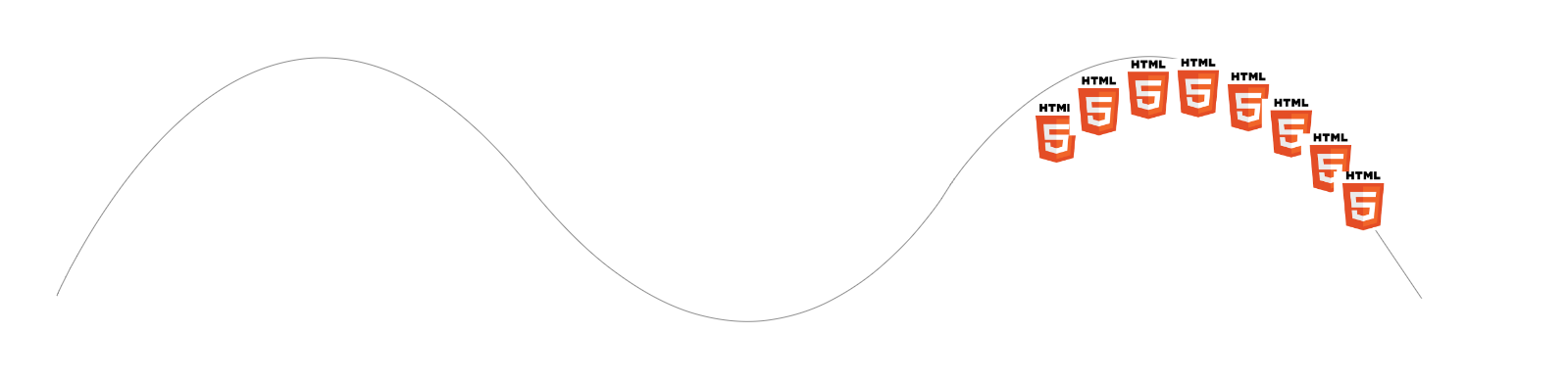
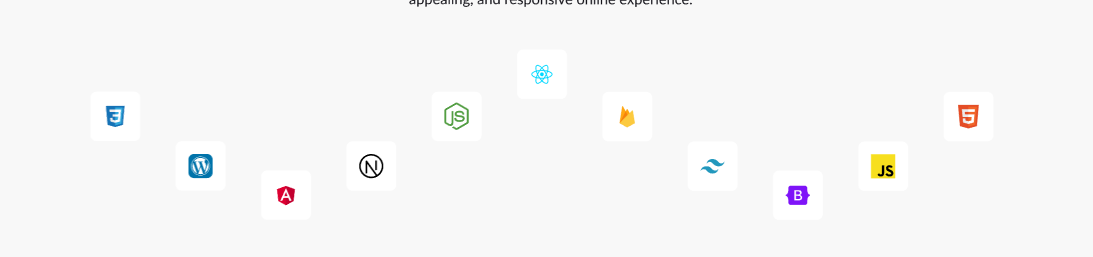
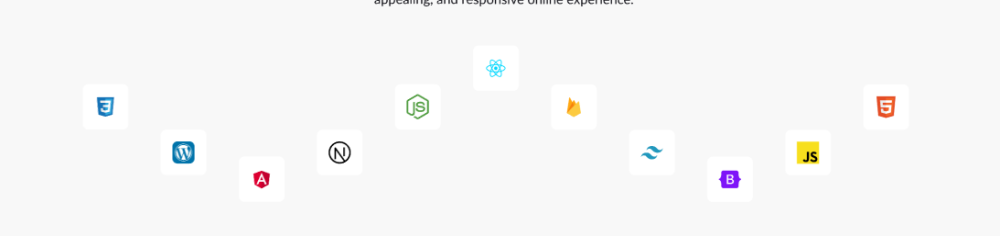
Hey there! I have a request. I have completed 95% of the animation, but I'm facing an issue with the last item. I want the icons to loop at a specific distance repeatedly, but the problem is that each icon completes a duration of 40s and gets merged together, which is not what I want. Do you have any solutions for this issue? Thanks! issue I am facing. what I want is something like this, which keeps moving in an infinite loop at a slow speed. my codepen https://codepen.io/Fawad4real/pen/bGZLVOy
-
Hi everyone! I'm working on a landing page and I need to create a pre-loader that uses my handwritten logo as an SVG. Desired effect: The desired effect is a Stroke Reveal, implemented with GSAP3. How can I achieve this effect? Logo positioning: After loading, the logo/preloader should be positioned centrally on the navbar. Request for help: To achieve this project, I would need your help. What should I study? Best practices? What resources and tutorials do you recommend to learn more about?: Creating pre-loaders Stroke Reveal effect with GSAP3 Dynamic positioning of SVG elements What can I get inspiration from? Do you have any examples of websites or projects that use similar effects? Conclusion: Thank you in advance for your support! Additional information: I'm using GSAP3 My logo is a handwritten SVG The landing page is developed in HTML, CSS and JavaScript Thank you very much for your help!
.jpg.672cd0f3fd5464ae6bd65b44318c82bf.jpg)
-
I have been struggling to find a way to center a select number of groups from an svg in their respective container. For some reason, the groups are always a little off. The "navyDots" all need to be vertically center at the end of the timeline.
-
 Hi Team, What I'm trying to achieve The overall effect is curvy timeline (vertical) that is revealed as the user scrolls down the page. As the user scrolls down the page, the curved line is drawn, dots are added to the line and content is revealed. The content is sourced from a CMS (rows), there are unknown number of rows, and the content in each row can vary in size/height The Tech This is all being done in React My approach I've broken the curvy line into multiple sections: Top - The start of the timeline (Data row 1) Middle 1 - The first Section (Data row 2) Middle 2 - The second section (data row 3) ...n middles sections Bottom - The end of the timeline Each is its own component which is responsible for the animation. Where I'm struggling All this, for the most part works OK. Where I'm getting unstuck is: 1) Nicely transitioning from row to row (leading dot on the motion path) 2) On scroll up removing the lead dot. I have a demo in stackbitz, I hope this is ok? I realise there's a bit going on in this so let me know if I need to simplify further. https://stackblitz.com/edit/react-ahd2tq?file=src%2FApp.js
 -
Hi! I want to begin by thanking the developers of GSAP for creating this wonderful tool. I have been using it since 2018. My question is pretty straightforward from the title. An example scenario can be found in the CodePen demo. Basically, when I want to rotate a square by 90 degrees around a point (in the demo, it is (300, 200) in SVG coordinate, as indicated by the blue dot), the transformation matrices needed are first a Translation matrix T_{-1} that offsets the object by -300, -200, then a Rotation matrix R that rotates the object by 90, then the inverse of that first Translation matrix T that brings the object back by offseting it with 300, 200. The final aggragated transformation matrix is then the product of (T)(R)(T_{-1}) By inspecting the final transformation matrix that GSAP sets for the square element via the transform attribute, I am pretty sure this is how GSAP handles rotation around an arbirtrary point, instead of setting the transform-origin attribute. I wonder then how I can access each of the individual T, R, and T_{-1} matricies? If there is not a direct function call to get these, can you point to me where in the source were these matricies computed? Thanks!
-
Hello Greensock. I'm playing arond with the MorphSVG Plugin but i'm having some problems. How can i morph between two svg with different number of path?! (please see the codepen for more details) I can also select the entire of path in each group but that's not the way. I will attach two svg also. Hope i can get the help. Thanks! work-svg.svg qd-svg.svg
-
I've been working on a website for a customer, but I probably made the poor choiche of deciding to animate an svg for the hero section where i animated the position of 2 ellipse with a blur effect. The performance are great on desktop but on mobile it barely even works causing lots of lags. https://dreamteamdesign.majestico.it I'm talking about the animation that start from the circle mask to the end of the animated gradient. What would be the ideal way to animate this? Should I animate using canvas? Do you know if there's an example of something similar? Thanks
-
I have learned from the doc that how can I animate rect along path. For advance, how can I make the arc-shaped element(id="pin-arc" in the codepen demo) move around the circle path, and always fits to the circle radian? Is this possible with only MotionPathPlugin? Or are there any other solution for this, (yet prefer not to includes other plugins). Thank ahead!
-
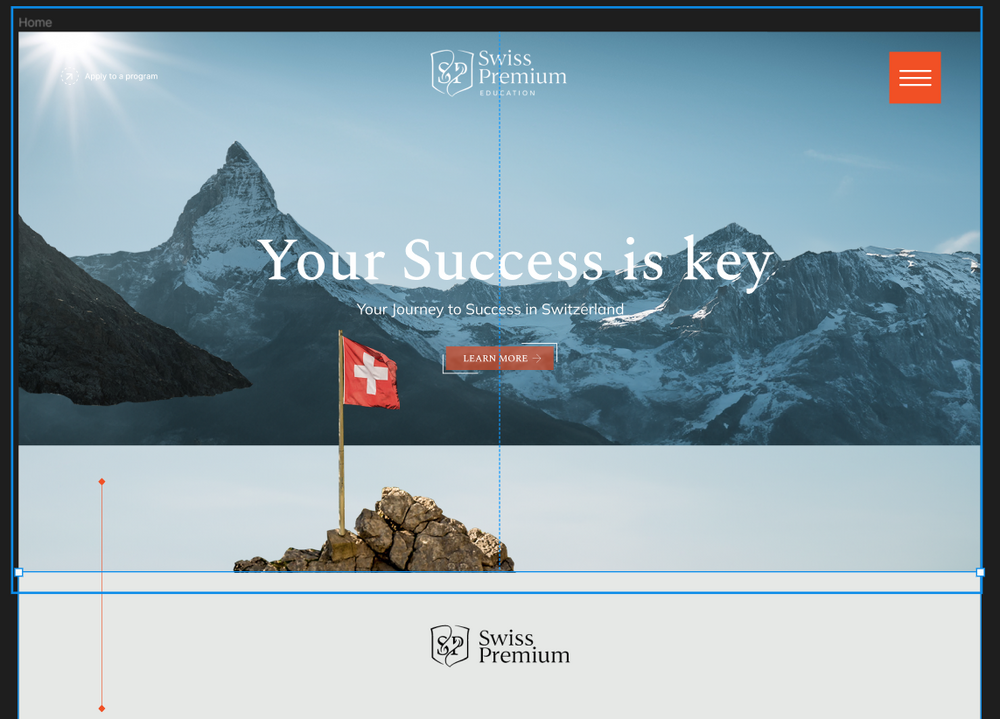
Hello guys. Attached code pen. I am new to GSAP and you can see the animation its basically at a background on a website I want to start showing this on my scroll trigger with my scrub I am a little new to gsap cannot do it can you guys please check it. Attaching the SVG too if you want to do it. The gaps that are coming has elements between them and it will come like this in the attached screen shot. Attaching the svg too. Please make it happen for me. Group 35.svg
-
Hello all of you, I'm trying to create an icon animation where the two lines that make it up must always rotate in a clockwise direction, regardless of the animation state (forward or backward). Despite the need to create the simplest possible demonstration, I've still used the VueJS3 Framework, because I wonder if the unexpected result I'm getting isn't somewhat related to the way the functions are launched. I'm really having trouble understanding why I'm getting the result I'm getting. If anyone can shed some light on this, I'd be very grateful! - Why the animation seems incomplete at the first click - Why on second click there is just one element moving up - Why on all next click the animation seems to be played at reverse Expected result: On first click, the "chevron" icon rotate clockwise to look up 🔺 On second click, the "chevron" icon still rotate clockwise to retreive is initial look down 🔻 and so one. So the icon has two state (up and down) but toggle it by rotating always clockwise.
-
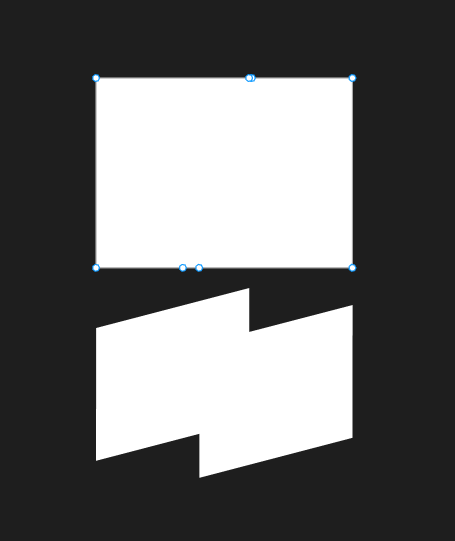
Hi, im working on this zoom in transition using clipPath and ScrolTrigger but im having issues with properly transitioning from one path to another. I am not sure if the issue lies in my gsap animation code, or if I prepped my svgs incorrectly. Here is a link to a demo of it https://codepen.io/akalex-x/pen/mdvOLxX As you can see it starts as a small flag crop that then grows full screen, and then I wanted to change it into a simple rectangle shape but when I try to do that it instead jumps to an awkward crop. I made my SVGs in figma and made sure they are the same size and have the same about of points. I then exported the SVGs and used https://yoksel.github.io/relative-clip-path/ to change the absolute paths to relative. Any help here will be super appreciated, thanks!
-
Hello, I want to mask svg with scrolltrigger, but there is a problem in the code, I think it does not work. I want to bring the img from top to bottom, or from right to left, with an svg mask. Can you help me?
-
Hello GSAP community, I'm new to GSAP and struggling with making an element follow an SVG path while scrolling. The element isn't properly aligned and the animation feels off during scrolling. Any quick tips on getting it to align correctly with the path and ensuring smooth scrolling animation? Your guidance is much appreciated!
-
Here's an example: https://codepen.io/helleholmsen/pen/abXvvQq Is there any known fix for this?
-
Hello, why is not working? logo
-
Hello! I want to layout some text on an SVG path and have an animation play in a loop, on hover. On mouse out, the text should go back to its initial state. I used SplitText and the MotionPath plugins in my CodePen and it looks kind of what i want, but i have the following issues: Timeline related: The intended initial layout, is the one you'll see if you comment out addPause (line 44). I thought i'd probably need to change the startTime of the timeline, but that's not working. What am i missing? On mouseout, i'd like to tween the timeline to its initial state (the corrected initial layout), but again not working as expected. Any ideas? SplitText & MotionPath related: Right now the letter & word spacing is off. It's tight to the stagger values. So how can i maintain the default ones? (This animation is intended to work with words of different lengths). Is there a callback i could use onResize that would re-calculate the correct position of the letters? Any help in any of the above would be much appreciated Thanks in advance
-
 I want the svg's lines to move a bit due to my mouse position and then snap back to its original position. Like this codepen but without the draggability.It should read my mouse's position. CODEPEN Link -> https://codepen.io/osublake/pen/QdbQjN. And then do the same things on this svg -->
 -
Hi, Firstly many thanks for taking a look at my query. I am getting inconsistent behavior on rotation of my clip path. Chrome and Safari are behaving correctly, but Firefox seems to be acting very strange. I would appriciate if someone could explain why. Many thanks ?
-
The linked pen is a simple use case of draggable that appears to work in all aspects except one. The svg elements that are dragged will not display above any of the other elements making it impossible to determine where the cursor/drag is on the screen. The drop logic appears to work fine and there are no errors reported. Even though it is built into gsap, I tried messing with the z-index of the svg elements to no avail. I have a feeling the answer to this is simple. I just cannot figure it out.
-
I'm have a panoramic SVG with three main focal points. I style it to be wider than the user's monitor, and the idea is as they advance from one position to the next in the UX, the SVG will pan to center each of those three points to give the impression of moving along the X-axis. I'm also zooming in and out when the "frame" changes. I can calculate the center of each focal point and provide GSAP with an x coordinate describing how it should transition left to give the impression of forward motion. I use `scale` for zooming. However, I must to provide a positive `position` property to the `.to()` to ensure the two events don't happen at the same time, or the transform-origin causes problems: It's not linear forward movement; the animation tugs back and forth. I think it would be better looking if both props animated at the same time. I have tried adding an `onUpdate` callback attempting to adjust the transform origin as the animation progresses, but it doesn't work at all. something like: const setTOrigin = gsap.quickSetter(this.selector, 'transformOrigin') onUpdate: () => { // const currentOrigin = gsap.getProperty(this.selector, 'transform-origin') setTOrigin(`${animation.progress() * centers[1]}px`) // centers is an array of the focal point centers coords } Not sure this is even a good idea. Just something I tried. What I have, technically works. But it is pretty janky. And again, doesn't provide the option to use negative positions to make the animation quicker and smoother. I've made a minimal reproduction here hoping someone can offer some guidance: https://codepen.io/thomas-hibbard/pen/RwqbymO Thanks for any insight.
-
how to make this animation in Greenock?