Search the Community
Showing results for tags 'infinite slider'.
Found 6 results
-
Hello GSAP community, I'm seeking guidance on replicating the text infinite marquee/slide animation on the reference website. At the bottom of the hero section, there is a text infinite marquee/slide animation. And you can see the marquee is also reacting on scroll. It just moves a bit faster when scrolling. Reference website: https://lunivers.lu/ I would greatly appreciate any insights or assistance you can provide to help me achieve a similar effect on my project.
-
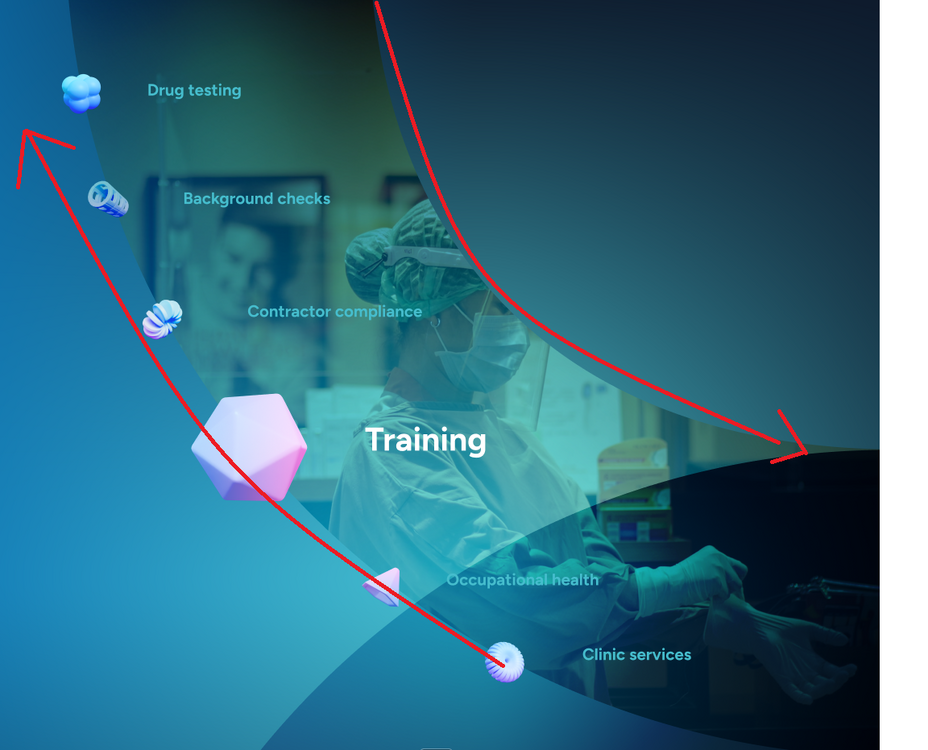
Hi Community, I'm stuck to create slider like this (see attached screenshot), can you please help me..? I tried but not working properly. I want to create slider with infinite scroll.
-
Hello Greensock team, My first question here in the forum. Congrats on the new branding and the website. It looks awesome I recently created an infinite marquee/gallery effect. What I needed to add is that it should also react to scroll. Creating gallery that moves to right as a repeat tween and wrapper to move left and right based on scroll was also doable with ScrollTrigger. But I need it to move extra only to left no matter I scroll down or up. I've read related questions here on the forum and put together something. They were quite helpful. It works. I just want help to see if this is the right way to do this, syntax and performance wise. I'd be extremely grateful. Minimal Codepen Demo - https://codepen.io/deepak-gangwar/pen/mdaZqXM
-
Hey, I'm trying to create an infinite slider but I'm unable to get it working after resize. The slider works great before resizing tho. Here's a simplified demo of the problem: I have separated the wrappers with colors so it is easier to see whats happening. https://codesandbox.io/s/silly-star-87kp94?file=/src/views/Home.vue:0-2690 I have tried to update the wrapWidth and the position directly inside the animation modifiers on resize but nothing seems to have any effect. Keep in mind that my project uses VW as a base font-size unit so everything scales based of the screen width so that might change the dynamic of the recalculating. Do you guys have any tips or tricks for this??
-
I've seen a lot of posts about trying to create a marquee section similar to the one on Cuberto's home page. I'm trying to recreate the marquee but the animation seems to "jump" when looping. I'm thinking my math maybe off in the modifier callback? EDIT: Inspecting the dom elements it seems the row items are overflowing the row slightly possibly because of whitespace generated from using inline-blocks.
-
Hi all, I have made an dynamic infinite slider containing animated text for a WP theme but am having some problems. The slider itslef works fine but trying to use a back button on the slider is causing problems. For some reason when I hit 'back' the first slide works OK but then on the second slide the text animation skips, then a while later the one of the functions (the one that moves the position of the of screen image) fails to fire and everything goes out of sync. I have tried reversing, play/pause and a bunch of other things but nothing seems to work. The JS is below and a version of the slider can be found at http://pm.demosite.me.uk/ jQuery(window).load(function(){ var tl1 = new TimelineMax(); var tl2 = new TimelineMax({onComplete: upDatePosition}); var tl3 = new TimelineMax(); var imgArray = []; var contentArray = []; var headArray = []; var subArray = []; var pArray = []; var imgLength = 0; var photoContWidth = 0; var imgWidth = 0; var n = jQuery("#ffslider li").length; var endArray = (n - 2) * '100' + '%'; var picWidth = jQuery(window).width(); var nextBtn = jQuery("button#next"); var prevBtn = jQuery("button#last"); //alert(imgLength); function setDefaults(){ // number of images imgLength = jQuery('#ffslider li img').length; // Full % width of slider photoContWidth = (imgLength * 100) + '%'; //looping through the image length and putting a button and assoc name attr to the btn for(var i=0; i<imgLength; i++){ jQuery('#ffslider li').eq(i).attr('id',i); jQuery('.slidercontent').eq(i).attr('name','slidecontent'+i); jQuery('.slidercontent h3').eq(i).attr('class','slidehead'+i); jQuery('.slidercontent h4').eq(i).attr('class','slidesub'+i); jQuery('.slidercontent p').eq(i).attr('class','slidep'+i); jQuery('#ffslider li').eq(i).css('left', (i * 100) + "%"); jQuery('.slidercontent').eq(i).css('left', (i * 100) + "%"); jQuery('.slidercontent h3').eq(i).css('left', (i * 100) + "%"); jQuery('.slidercontent h4').eq(i).css('right', (i * 100) + "%"); jQuery('.slidercontent p').eq(i).css('left', (i * 100) + "%"); imgArray.push(jQuery('#ffslider li').eq(i)); contentArray.push(jQuery('.slidercontent').eq(i)); headArray.push(jQuery('.slidercontent h3').eq(i)); subArray.push(jQuery('.slidercontent h4').eq(i)); pArray.push(jQuery('.slidercontent p').eq(i)); } startAnimation(); } function startAnimation(){ tl1.to(contentArray, 0.1, {autoAlpha:1}) .add(TweenMax.to(headArray, 0.5, {left:"20" + '%', autoAlpha:1})) .add(TweenMax.to(subArray, 0.5, {left:"30" + '%', autoAlpha:1})) .add(TweenMax.to(pArray, 0.5, {left:"40" + '%', autoAlpha:1})) .add(TweenMax.to(headArray, 0.5, {left:"-100" + '%', autoAlpha:0, delay:3})) .add(TweenMax.to(subArray, 0.5, {left:"100" + '%', autoAlpha:0})) .add(TweenMax.to(pArray, 0.5, {left:"-100" + '%', autoAlpha:0})); endAnimation(); } function endAnimation(){ tl2.to(imgArray, 1, {left:'-=100' + '%', delay:7}) .to(contentArray, 0.1, {left:'-=100' + '%'}); } function upDatePosition(){ for( var i=0; i<imgLength; i++){ if((imgArray[i].css('left') <= '-picWidth')){ imgArray[i].css("left", (n - 1) * '100' + '%'); } if((contentArray[i].css('left') <= '-picWidth')){ contentArray[i].css("left", (n - 1) * '100' + '%'); } } startAnimation(); } function backDatePosition(){ for( var i=0; i<imgLength; i++){ if((imgArray[i].css('left') >= (n - 1) * '100' + '%')){ imgArray[i].css("left", '-100%'); } if((contentArray[i].css('left') >= (n - 1) * '100' + '%')){ contentArray[i].css("left", '-100%'); } } tl3.to(imgArray, 0.1, {left:'+=100' + '%'}).to(contentArray, 0.1, {left:'+=100' + '%'}); startAnimation(); } setDefaults(); nextBtn.click(function(){ tl1.totalTime( tl1.totalDuration() ); tl2.totalTime( tl2.totalDuration() ); }); prevBtn.click(function(){ tl1.totalTime( tl1.totalDuration() ); tl2.seek(0); backDatePosition(); }); });