Search the Community
Showing results for tags 'scrambletextplugin'.
Found 8 results
-
 Hi there, I'm having a weird issue when trying to use ScrambleText Plugin to tween a single character, split by the SplitText plugin and searching in the forums, i found the following thread: Split Text / ScrambleText - Random Stagger, which in a comment from @Carl has the following example that i used to create this animation ( I didn't comment there as the thread is from 2015). Greensock SplitText Demo Now my problem is that while tweening the character, the tween has some "dead" time in between each character, i have tried fixing the timing using the duration of each tween, the duration of the timeline and the position of each tween in the timeline but it seems that i don't really understand how the ScrambleText Plugin really works. If anyone has any idea how i can configure this to run as if i was scrambling the text as a single word instead of each character as a regular ScrambleText Plugin tween would please, let me know. Thanks.
 -
Hello all, i'm new to gsap, i'm trying to adapt the scramble text plugin to make it as similar as possible to the one in the video i linked, only i noticed some limitations like putting the text on multiple lines and showing the finished words at the same time. Can anyone help me or recommend some other plugin? Thanks scramble.mp4
- 5 replies
-
- 1
-

-
- scramble
- scramble text
- (and 2 more)
-
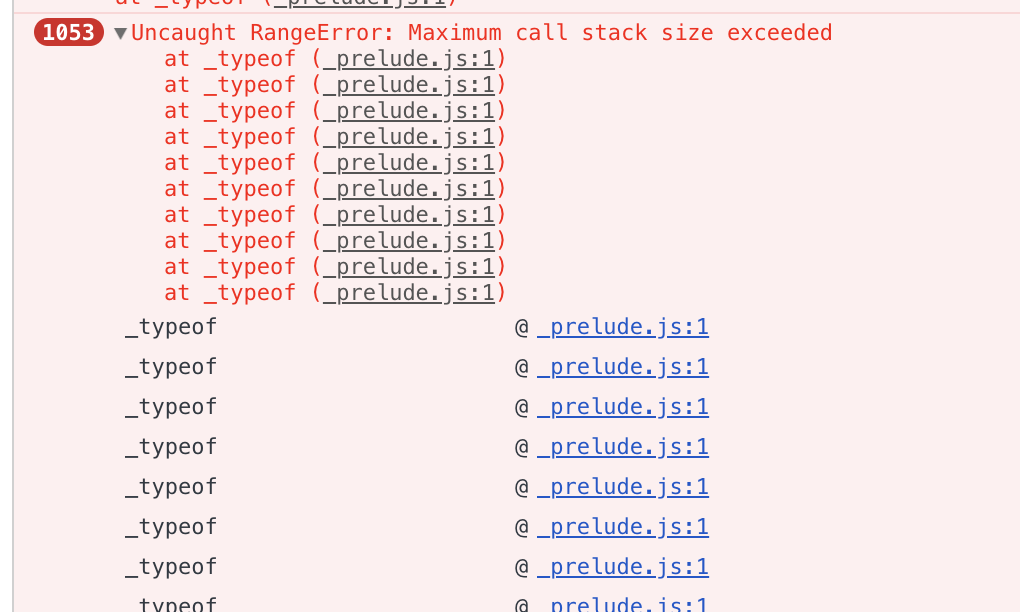
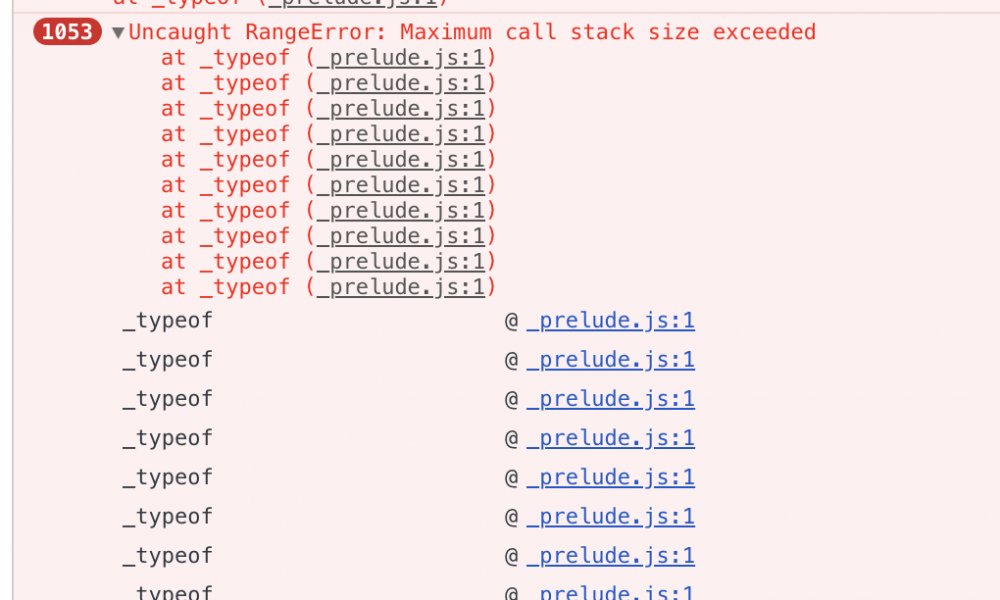
 Hi there, first of all, I'm not providing a codepen because the issue is related to using UMD modules with a module bundler (browserify + gulp). I'm trying to implement a very simple snippet to scramble a text upon a button click. This is very straightforward and I've done this before successfully. So I will list all the issues and things I've tried. Issue: When calling the TweenMax.to using the scrambleTextPlugin I got an Uncaught RangeError: Maximum call stack size exceeded which is thrown multiple times. Environment: * Greensock ^2.0.2 (gsap) installed through NPM and imported through UMD version * ScrambleTextPlugin (0.5.2 - 2018-09-11) downloaded through GreenSockClub and imported through UMD version * Gulp 4.0 + with Browserify ^16.2.2 as a module bundler. What I've discovered/tried: * Importing the modules through <script> tag makes the same code work without any error * Other properties and plugins are working using the UMD version, e.g text plugin, changing colors, sizes, etc * I've implemented this before, and the same code works * I've removed all layers of my application (JS frameworks, CSS, everything) * Created a blank project to isolate the issue Full code: ```HTML <div id="test-app"></div> <button id="btn"> test </button> ``` ```javascript (function() { "use strict"; require("gsap/umd/TweenMax"); require("../../etc/libs/gsap_plugins/ScrambleTextPlugin.js"); // If I change this to the <script> import the code would work let el = document.querySelector("#test-app"); let btnEl = document.querySelector("#btn"); btnEl.addEventListener("click", function () { TweenMax.to(el, 1, { "scrambleText": { "text": "anytext" } }); }); }()); ``` When I click the button this is what happens: (screenshot attached) PS: Im trying to solve this for some days now and I'm kinda crazy by now, any insight is appreciated Regards,
-
Hi All, I am using ScrambleTextPlugin and MorphSVGPlugin in component: import ScrambleTextPlugin from 'gsap/ScrambleTextPlugin'; import MorphSVGPlugin from 'gsap/MorphSVGPlugin'; Problem 1: The animation only happens if I console.log the versions of plugins in ngOnInit console.log(ScrambleTextPlugin.version, MorphSVGPlugin.version); Problem 2: After deploying the app to firebase, it throws TypeError: Uncaught TypeError: Cannot set property '_autoActivated' of undefined at Object.zUnb (main.1c91b1d089cbaf940e97.js:formatted:34594) /* In the bundled file (formatted), I found following lines related to _autoActivated : 34135: qh = Yc.f.TweenMax 34593: cp = qh 34594: cp._autoActivated = [Vh, jh, Bh, zh, ap, Uh, Yh, Yc.f.Back, lp, Yc.f.Bounce, Yc.f.RoughEase, Yc.f.SlowMo, Yc.f.SteppedEase, Yc.f.Circ, Yc.f.Expo, up, Yc.f.ExpoScaleEase]; */ This is the link to app on Firebase. The project runs fine on localhost. Typical Developer Life. gsap: ^2.0.0 firebase: ^5.0.4 angularfire2: ^5.0.0-rc.10 @angular/core: ^6.0.3
-
Hello GSAP, is there any way that i can ease the revealDelay per character in my element? let's say if i have '39485', characters from the left will reveal faster than the characters on the right. regards, Carlos
-
Hello I'd like to use the ScrambleTextPlugin, but I can not create a sample. Where can I find a live demo? or where can I Download the http://codepen.io/GreenSock/pen/dIBbw ? Thanks in advance
-
Hi to all, for a project we need to use the ScrambleTextPlugin with a svg text but it does not work with Internet Explorer. To get it work we changed innerHTML in TextContent, but I think you can get something better Thank for your support Jacopo
-
Hello again, I have been going through the various plugins and I seem to have run into a problem with the scrambleTextPlugin. I'm trying to follow the instructions in the the documentation but nothing shows in the screen when I do so. I am using a main timeline to encapsulate the scrambleText timeline // MAIN CLASS ////////////////////////////////////////////////////////////////////////////////////////////// var t:TimelineMax = new TimelineMax(); createTextField("MAKE SOME NOISE!!!!"); t.add(AdvancedTextEffects.randomCharacters(text, 3)); t.play(); //////////////////////////////////////////////////////////////////////////////////////////////////////////////////////// // SUB TIMELINE //////////////////////////////////////////////////////////////////////////////////////////// public static function randomCharacters(target:TextField, time:Number):TimelineMax{ TweenPlugin.activate([ScrambleTextPlugin]); var t:TimelineMax = new TimelineMax(); t.from(target, time, {scrambleText:{text:"THIS IS NEW TEXT"}}); return t; } ///////////////////////////////////////////////////////////////////////////////////////////////////////////////////////// This method seems to work for just about everything else but this instance. Any help you could provide would be very appreciated. I am running this an Adobe AIR application. Thank you, Steven Lopes