Search the Community
Showing results for tags 'card'.
Found 8 results
-
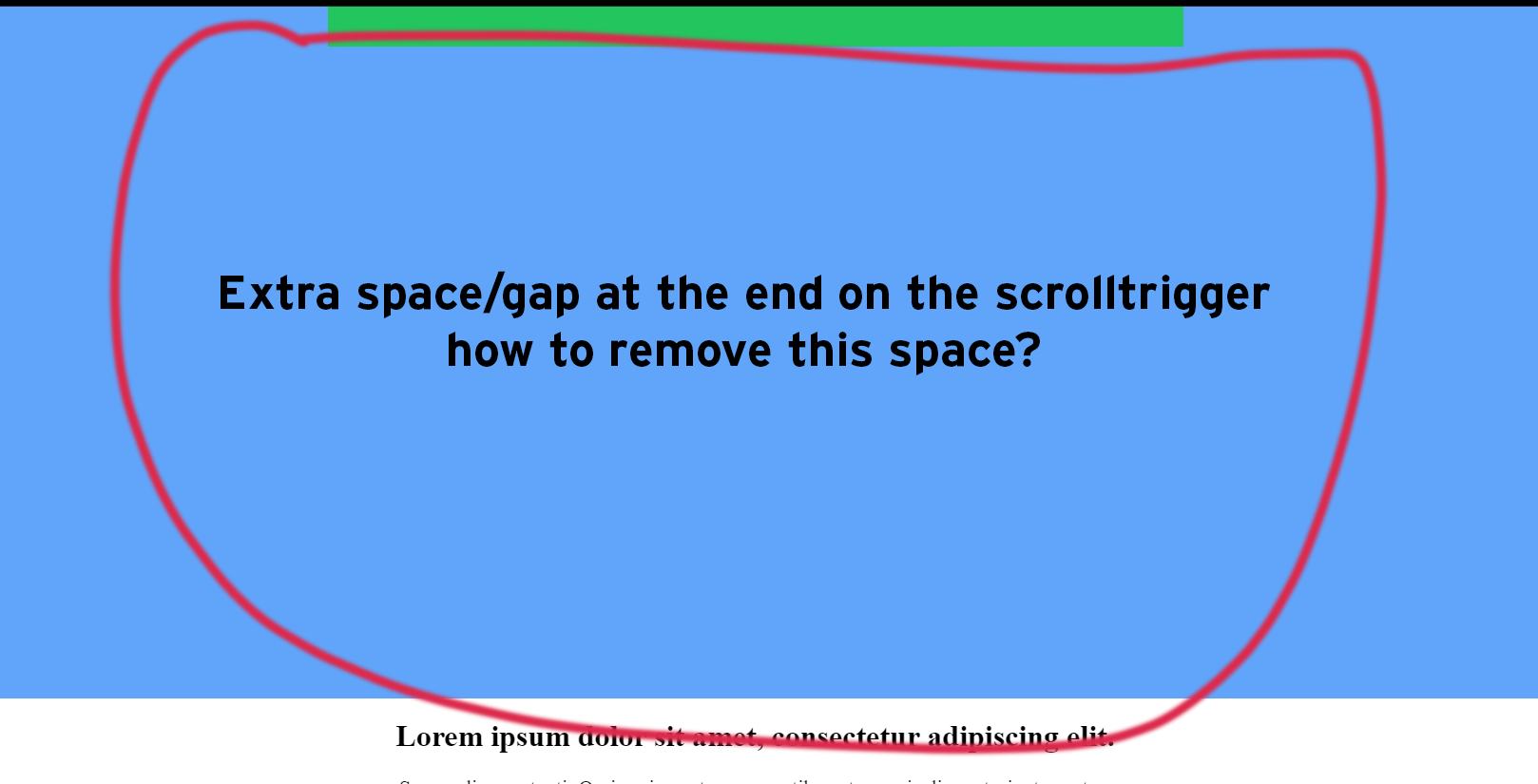
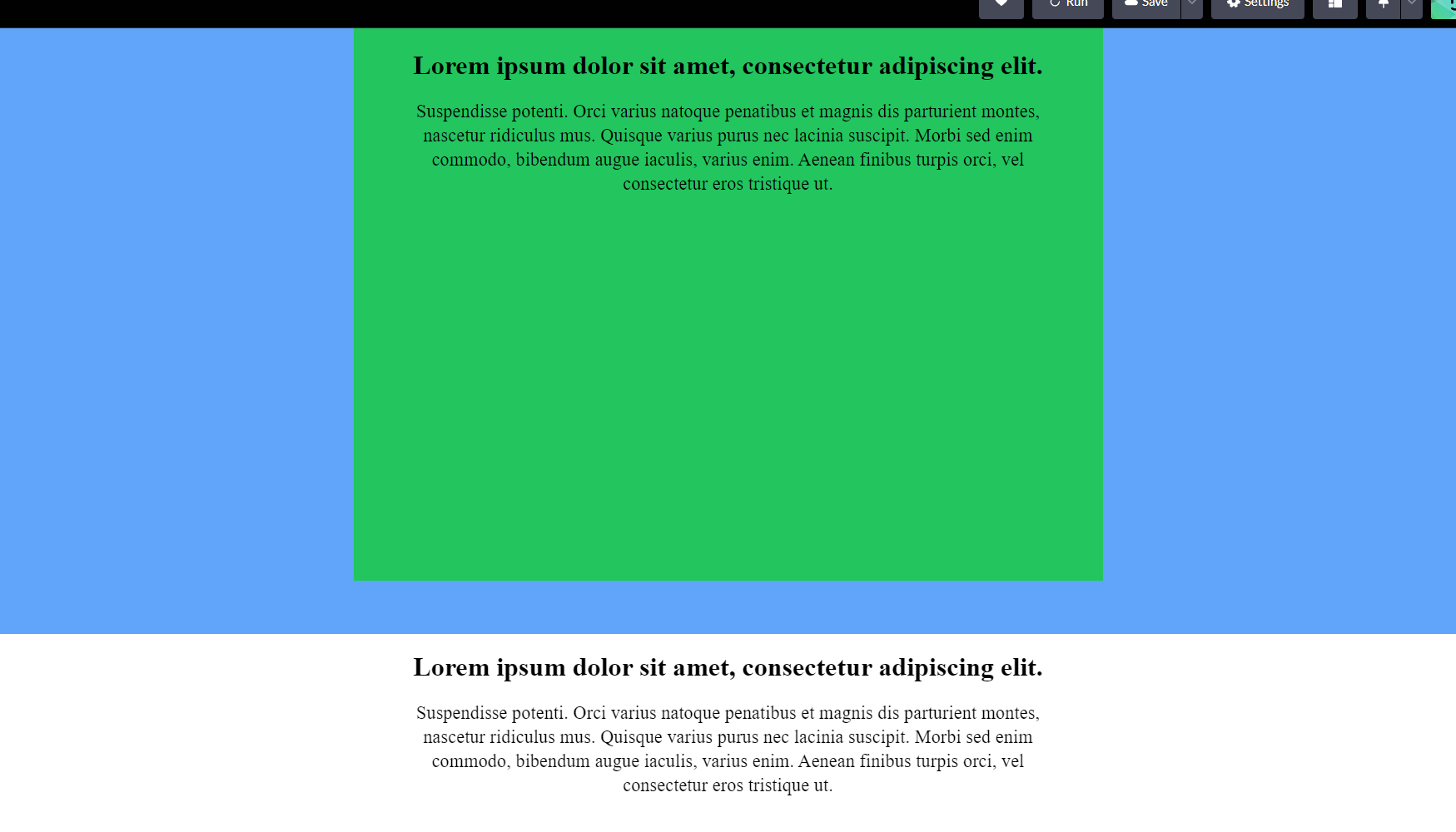
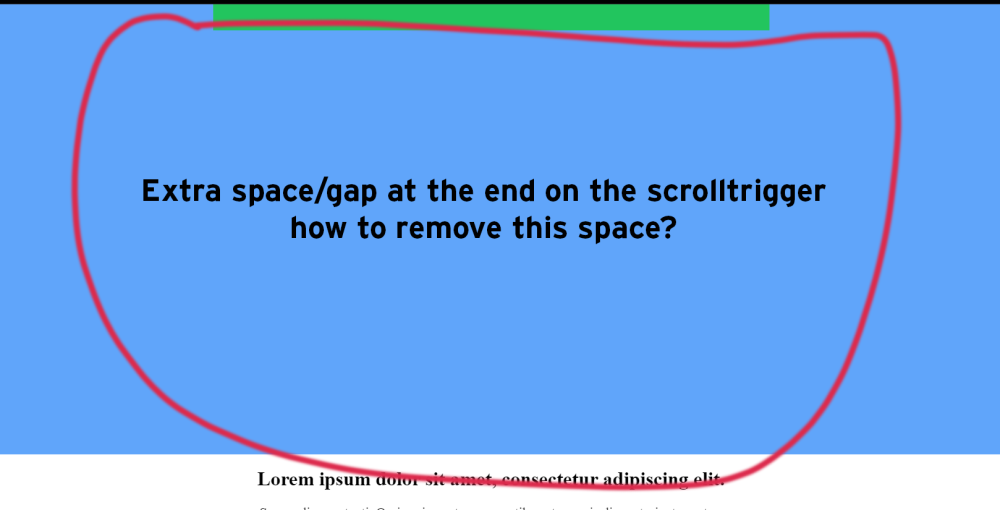
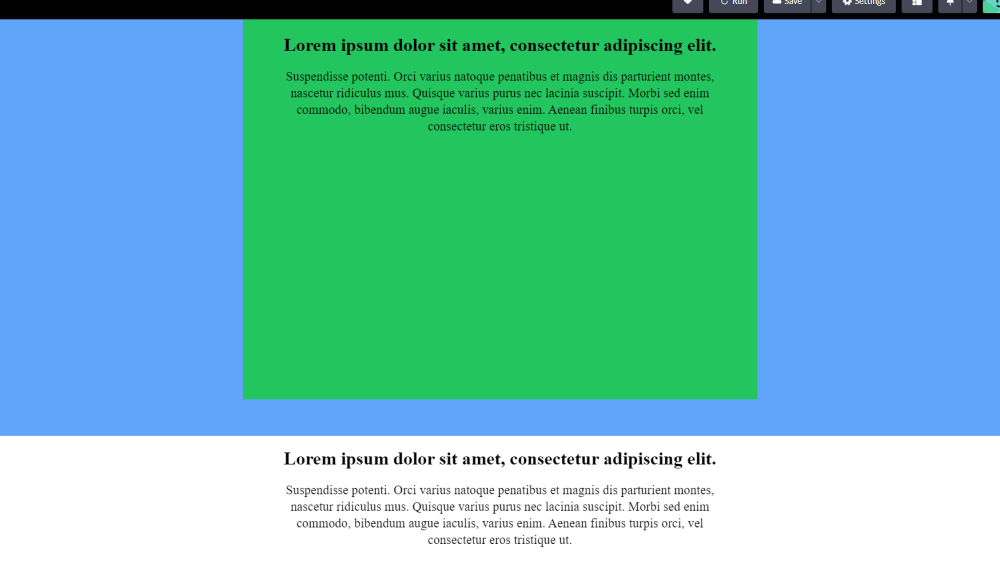
Hello, I'm trying to create an animation with "scrollTrigger + pin" with 2 cards ( overlap + scale on scroll ). The animation works fine but in the end I have way too much empty space and I don't know how to fix this. I put 2 images to explain the problem and the desired result. Demo https://codepen.io/paallaire/pen/ZEZzarJ Visual Bug Expected
-
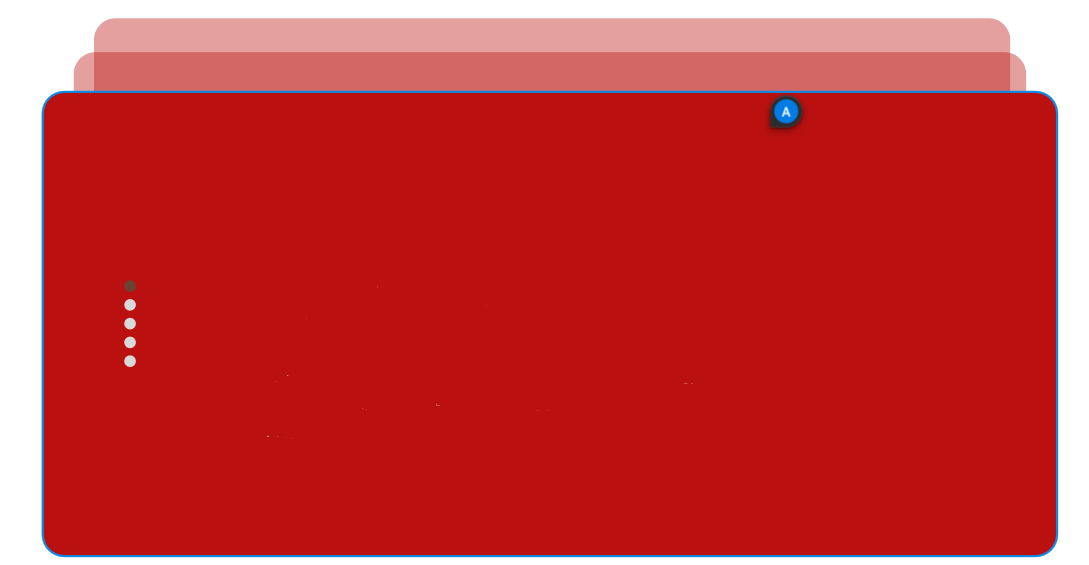
hello all; its my first post here. ı look arround for this animation but cannot find similar one so ı made my animation. Still have some problem with sticky. Before animation start unset position so GSAP can detect my element hight and place markers in correct points. But ı guess it's still not fine for best practice. I'm open advices and ideas. Thanks all
-
 Hi everyone! This is my first post on this forum, and I hope to explain myself better. I have a problem related to stacking cards, which I cannot create a Scrolltrigger for infinite cards. My goal is to create a list with only the last 3 cards visible, leaving the active card centered. Below I leave you an example of how my work should be: This is a similar work My code below will explain the situation better than me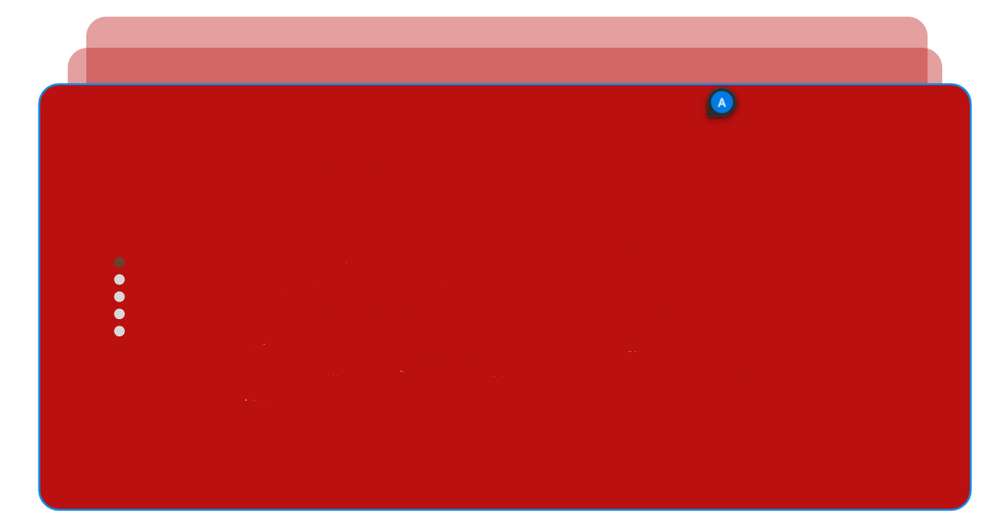
-
Hi, let me start by saying i love gsap and the hard work you guys put in it, since thats out of the way as you can see in my code pen i have two problems i need to solve. 1. When i drag and click on a card before inertia velocity go to zero the cards container animation position rest to x zero break. 2. When a crad onclick happens i want the animation drag to stop and when clicked again or a close button to reverse animation and rest where the card was. I feel am close but i need help ?
-
I've been working on reproducing one of my favorite card games in JavaScript and I'm having some problems getting the 3d rotations to work the way I'd like. I'm using TweenLite to flip the cards' divs with rotationX and rotationY, but I can't figure out how to tell when I need to swap out the front and back of the card. Is there a way to detect which side of the card is visible? I've seen it done with CSS like this: http://davidwalsh.name/css-flip, but 'backface-visibility: hidden' doesn't seem to affect objects that are rotated with TweenLite.
-
Hi, I have a card game which currently handles the cards dragging by simply editing the rotationX and rotationY depending on the mouse movement direction. Then in the onEnter loop I "force" the rotationX and rotationY to move towards 0 by slightly increasing/decreasing their value on each frame. This results in a quite poor 3D effect movement since the transition isn't smooth enough, plus it doesn't feel like a 3D transition (since it's obviously only 2D). We are using plain Flash for this, so no CSS or JS can be involved, we only use GSAP tweens. Our aim, is to create something like hearthstone achieved, a very smooth movement which depends on the position of the mouse-center of the card, as implemented here by @dstnation. We do handle the smooth transition of the card from its position to the mouse cursor by using just one line of code on the 'onEnter' function, basically: protected function onEnterFrame(e:Event):void { if(mMouseTarget && mMouseDown) { //Handle the position of the card 'x' and 'y' TweenLite.to(this, 0.2, {x:mMouseTarget.x, y:mMouseTarget.y}); } } mMouseTarget's position is filled on the onMouseDown, along with the mMouseDown variable. We are nevertheless, having a hard time trying to figure out how to do something similar with the rotationX, rotationY and (perhaps?) skewX/skewY to achieve a 3D effect? Does anyone have any idea on what could we try? Thanks beforehand
-
Hello ! I'm new using TweenMax. I try to make a slider that flip the image instead of just "sliding". The animation works great, but in order to have some realism, I add perspective on my cards, but the animation is totally broken with it. You can try my CodePen example, and remove/add the perspective to see what I mean. Does someone have an idea ? Thanks !
-
I am trying to use card flipping as part of an animation, and I am following the cool-looking example in the GSAP codepen. However, I noticed that it does not work on IE 10. On IE 10, the cards do flip, but instead of seeing the "back" card you see the backface of the front card. It appears as though there is a problem with the backface-visibility in IE 10. What can I do to make this also work in IE 10? Thanks! http://codepen.io/GreenSock/pen/yzahJ